 24/7
24/7
Ticket Manager Bot
- Processes tickets automatically
- Adds tickets when enabled

Build Websites, Apps, Extensions, Plugins ...
Tickets keep the AI Developer Team running 24/7
AI Google Sheet Builds Websites or … Anything!
(LTD) Lifetime access & Unlimited use
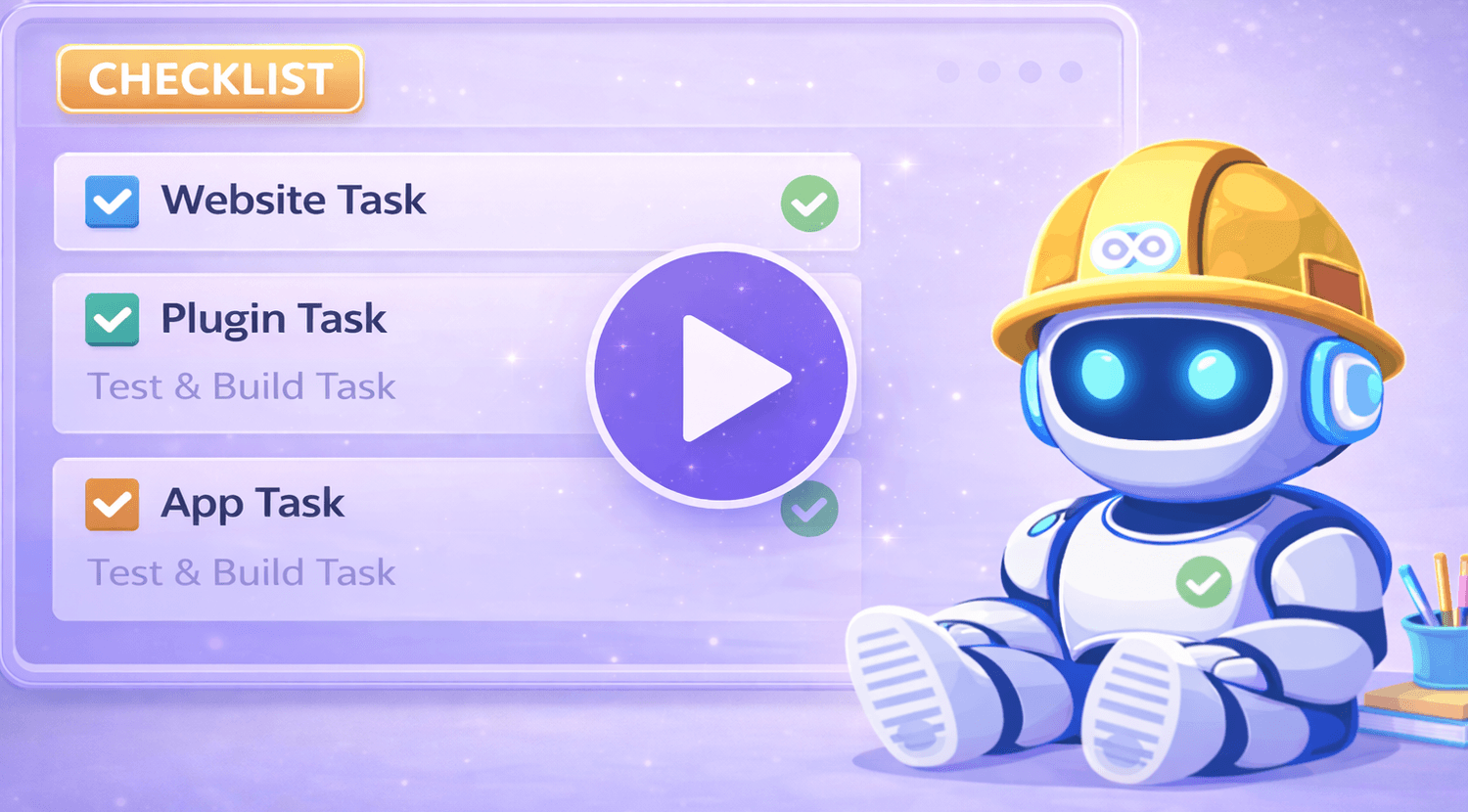
New: Multi Model stacker … auto switch … keep building while you sleep.
24/7
 24/7
24/7
 24/7
24/7
 24/7
24/7


AI tools write code.
Tickets move software forward.
VibeSheet turns that process into a self-running system.
Over the last 20+ years, I’ve worked with enterprise teams at IBM, AT&T & agencies.
I know ticketing systems are what make all this work.
Simple projects can "maybe" be done in a few prompts.
Software needs step-by-step development and many prompts.
VibeSheet simply adds a ticket layer that solves A LOT of problems.
Small changes build better than giant prompts.
You might call it a todo list, but what we need is a ticket system to run 24/7.
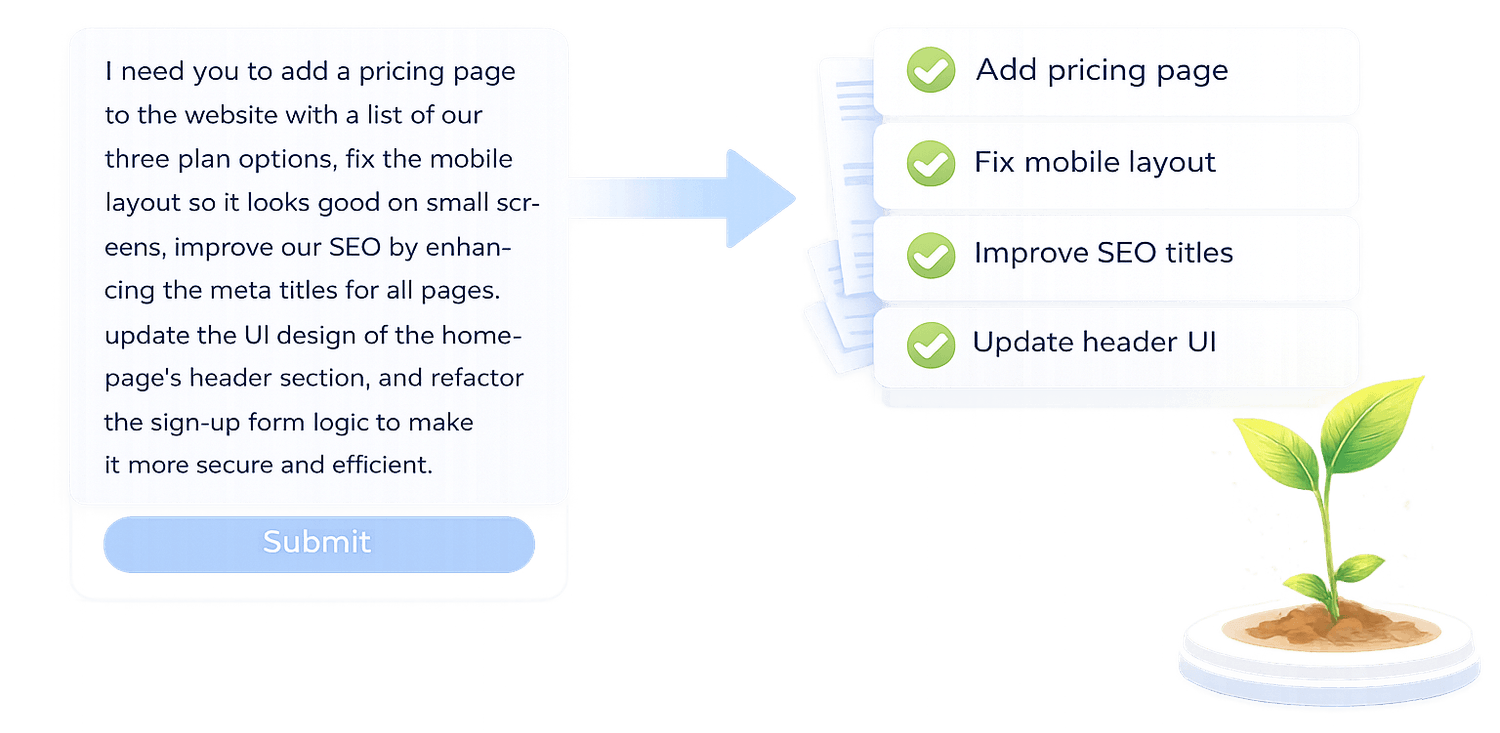
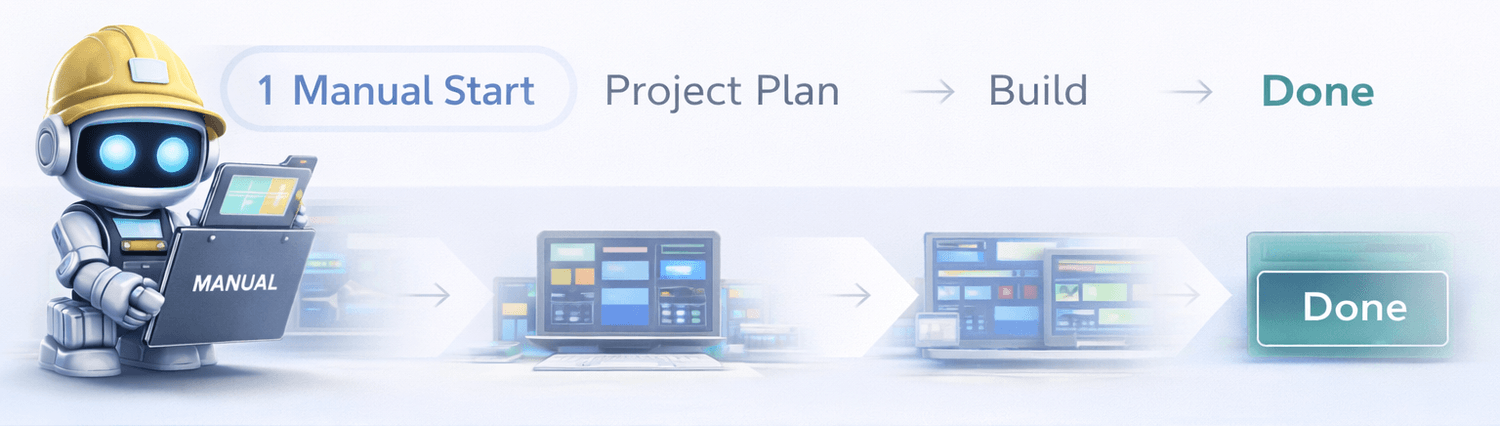
Manually add your plan and build out the project step by step. You stay in full control of structure, scope, and direction before automation takes over.
Best for brand-new builds before introducing tickets or enabling 24/7 auto-run.
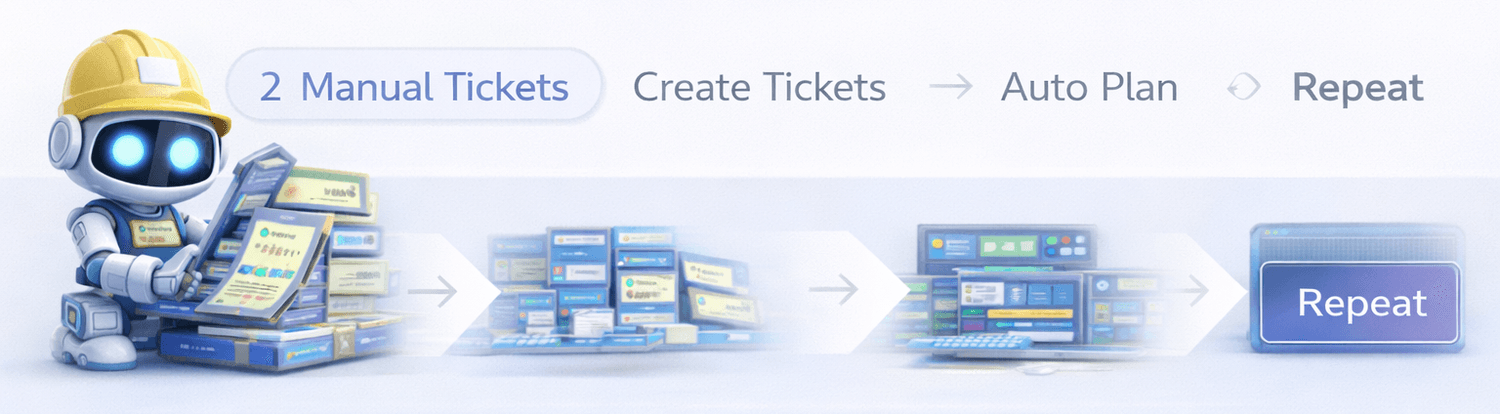
Manually add tickets instead of full plans. Each ticket represents a small change or improvement that feeds directly into the system.
Perfect for iterative work — add tickets, auto-plan, build, and repeat continuously.
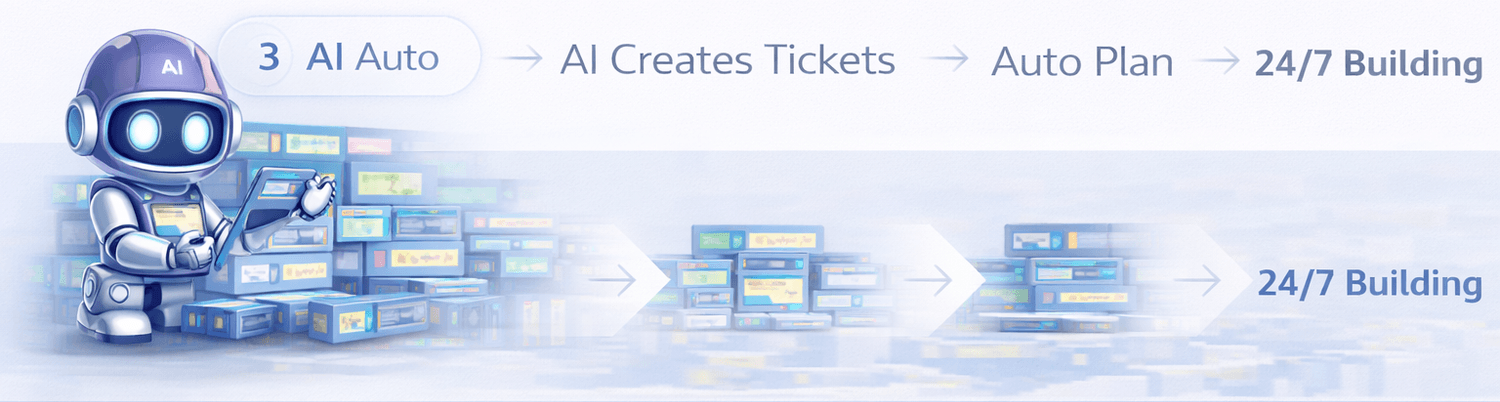
Let the AI create tickets for you. It automatically generates small, actionable improvements and keeps the build moving forward.
The “set it & forget it” option — auto-plan, then build 24/7 while you focus on everything else.
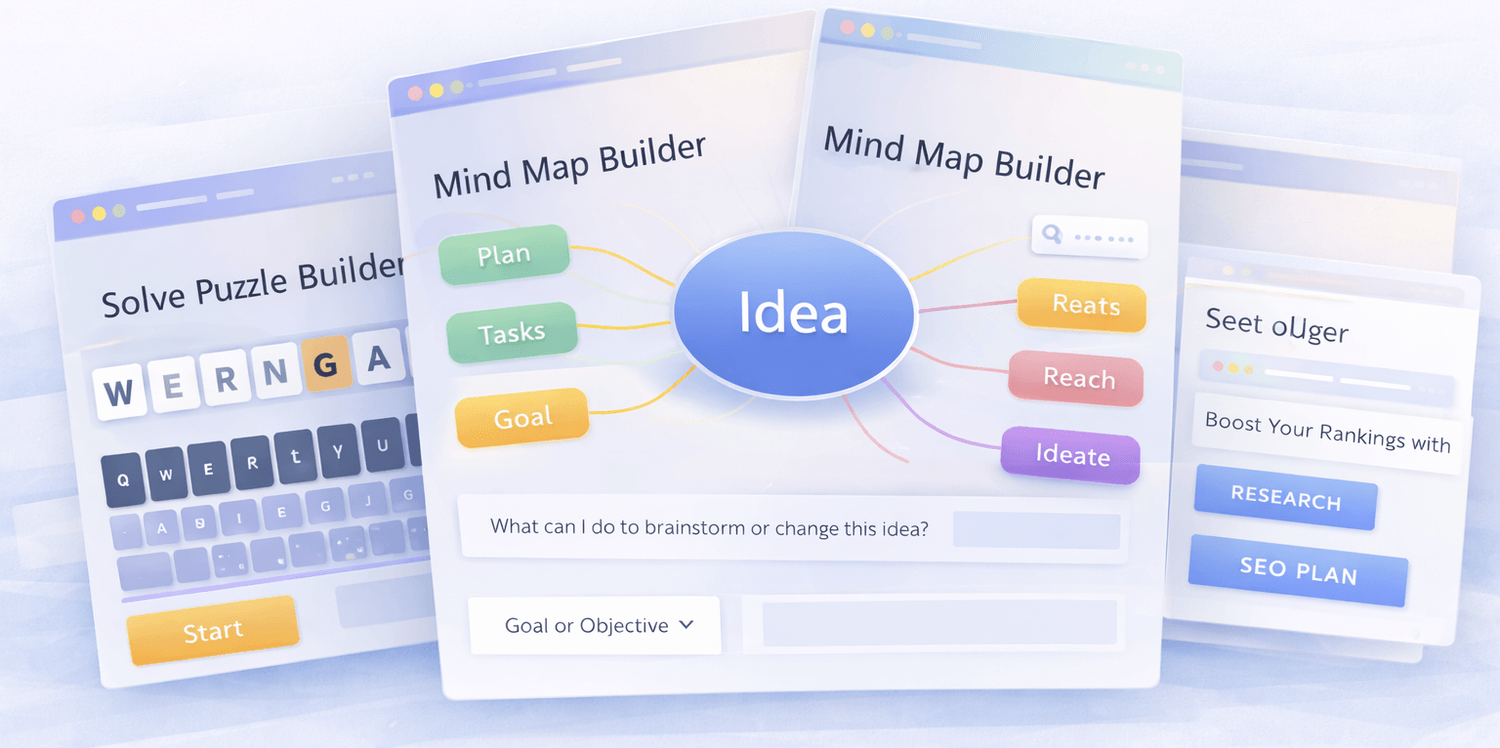
Add images directly to plans and tickets. VibeSheet automatically turns them into structured UX mockups and working code.
This is incredibly powerful for scaling design workflows. We recommend pairing this with SheetWiz to create and refine UX designs before they’re built.
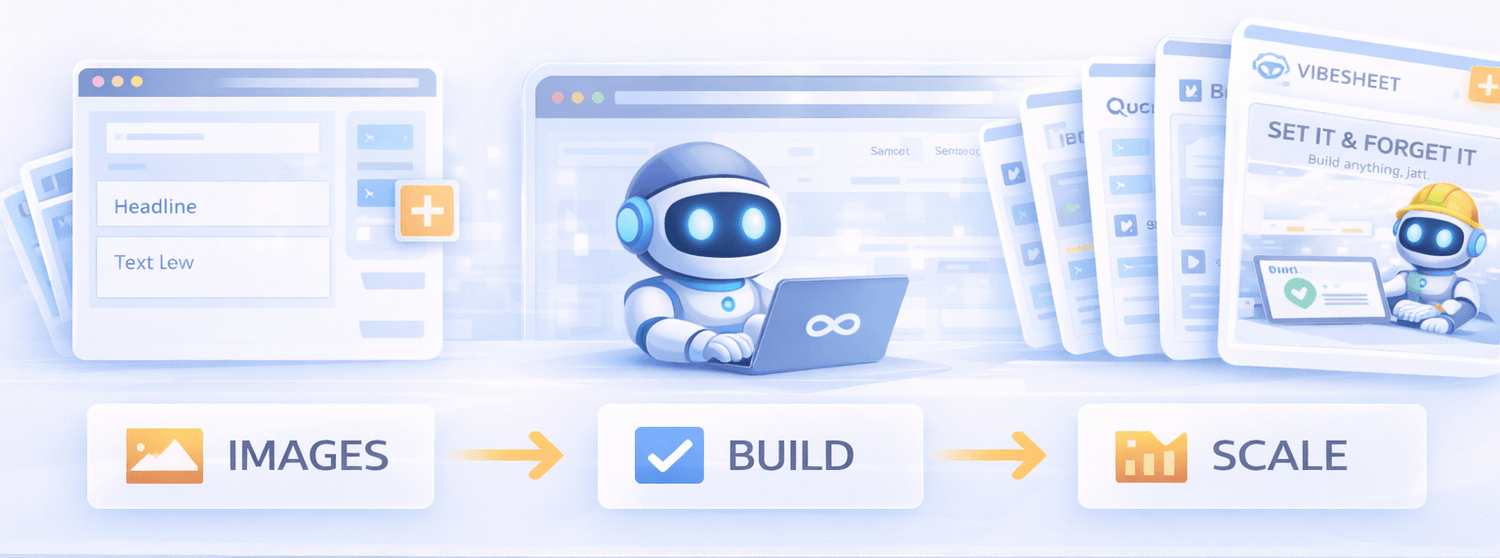
Real outputs. Real projects. Built automatically from tickets.

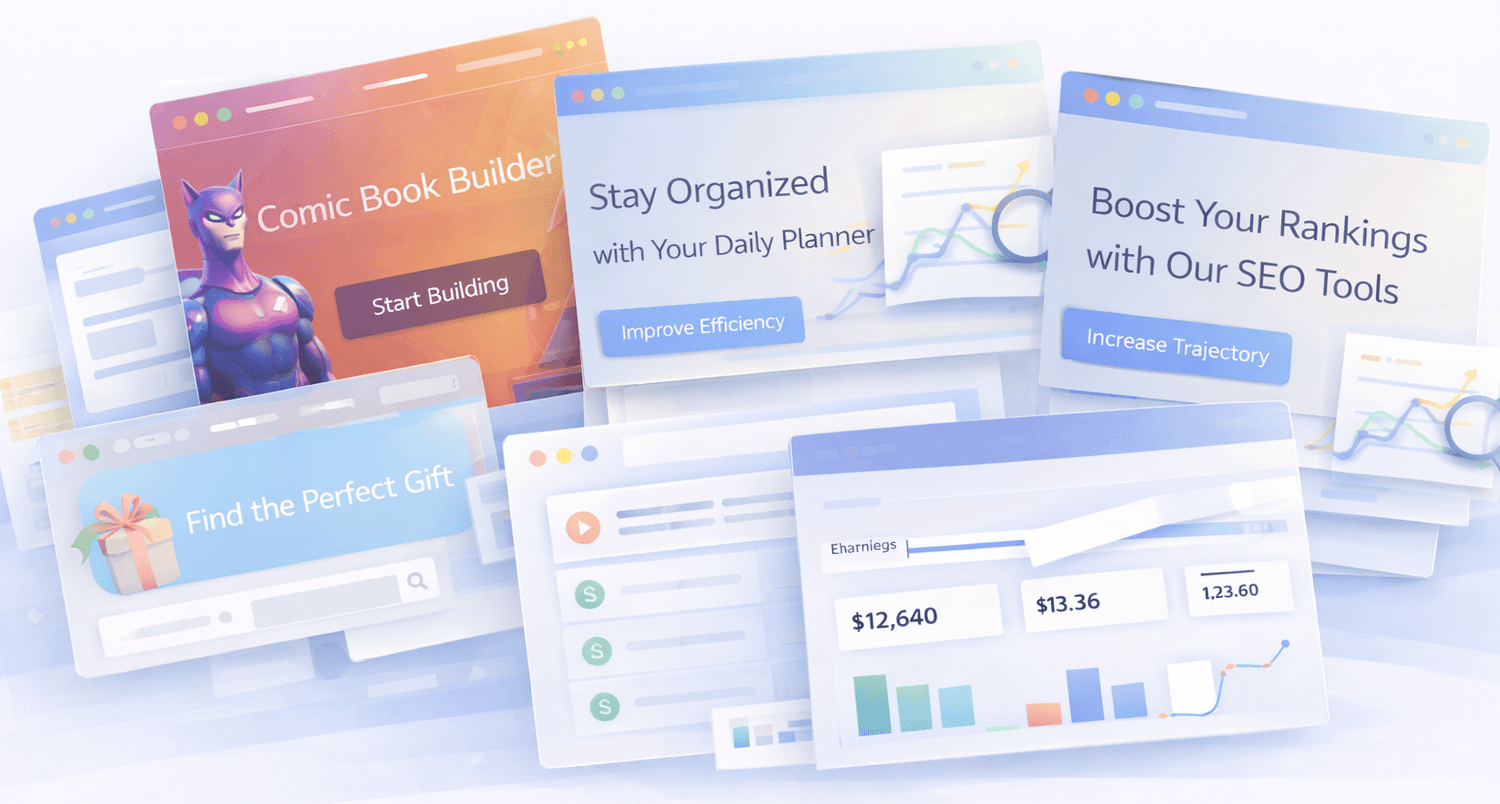
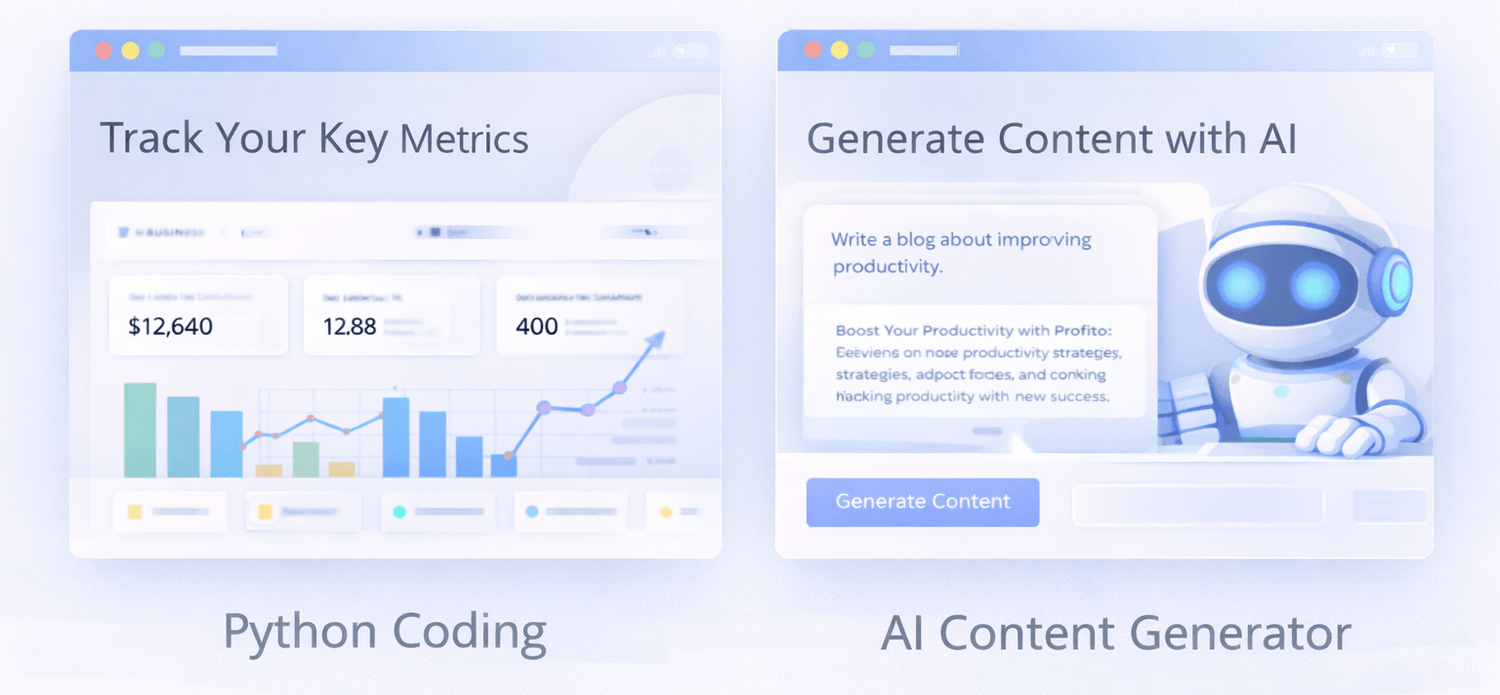
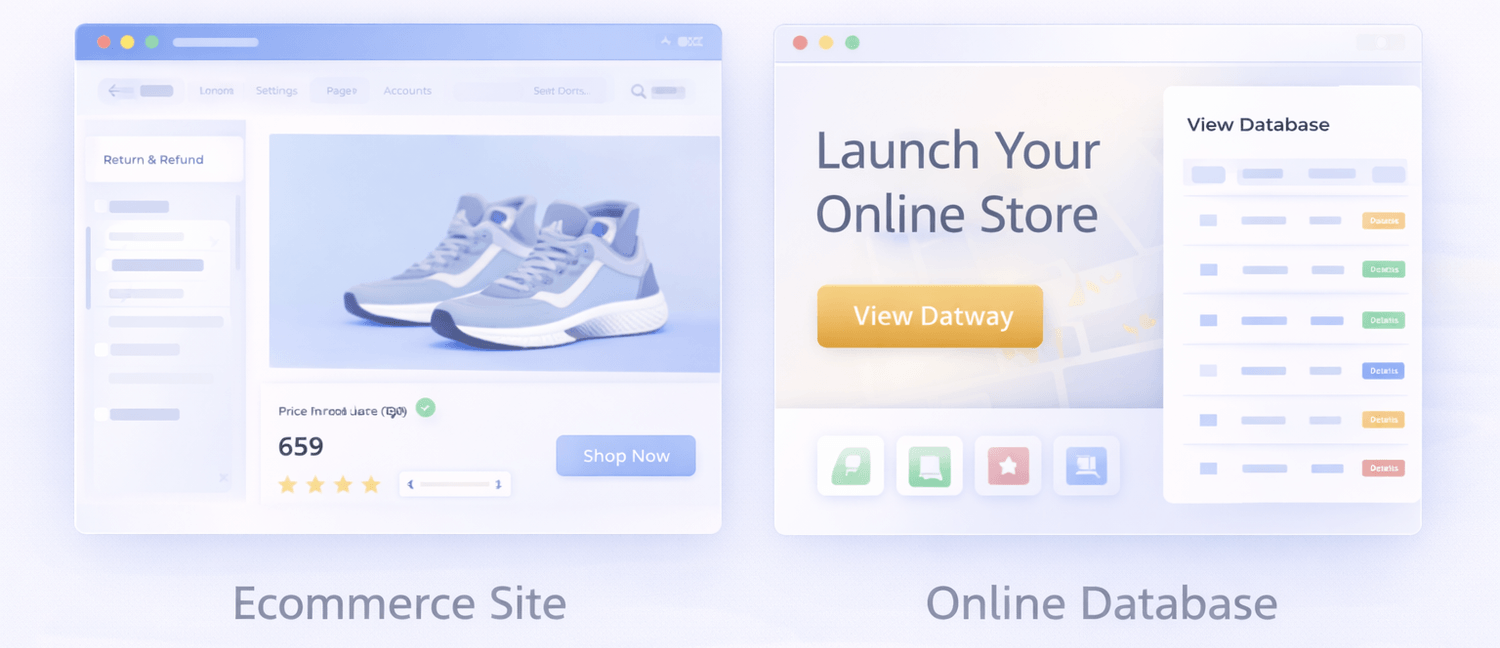
Marketing sites, SaaS pages, dashboards, docs, and internal tools — built page-by-page from tickets.
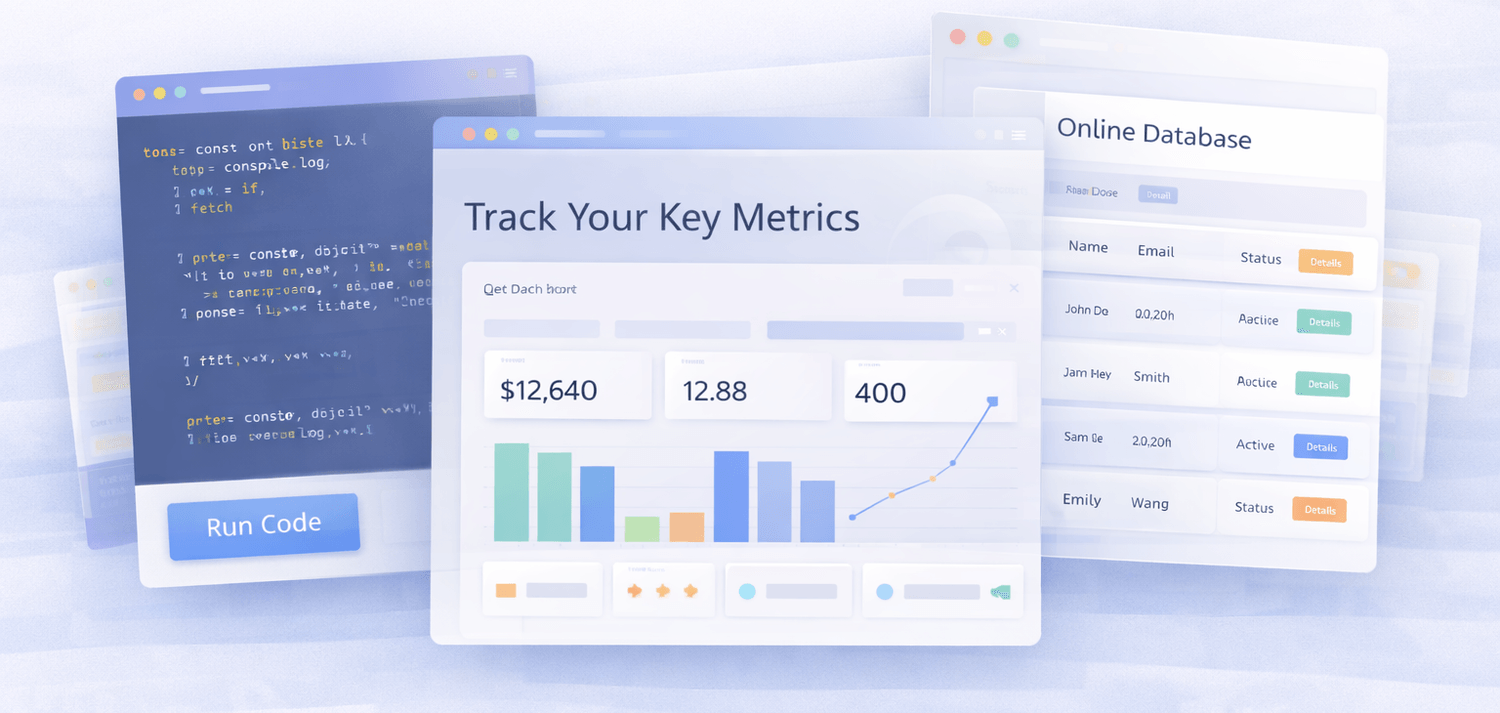
Google Sheets apps, dashboards, automations, admin panels, and utilities built incrementally.
WordPress plugins, Chrome extensions, Shopify apps, and custom add-ons — ticket by ticket.
If it can be described, broken into steps, or reviewed — the factory can build it.
Common Questions
Yes, truly unlimited. No user limits. No content limits. No website limits. No limits to creating sheets. This truly is scalable for any size company. This is a trust project. All I ask is that you honor this project by not sharing this outside of your company or team. I want to avoid creating an app and locking down the code. Right now you get truly unlimited use that you simply will not find with any tool out there.
Yes, truly lifetime unlike a company on a server or app. We are using Google's own Google Sheets to create our code. This means that if something were to happen to Vibe Sheet as a business you will still keep your Google Sheets with the attached code.
No refunds available. You are gaining direct access to a private Google Sheet and code. Due to the nature of providing you access to code and processes there will be no refunds. This is to protect the project from abuse. If you are concerned then please reach out to discuss - hey@vibesheet.ai
At this time OpenAI, Claude, Google, OpenRouter & Straico
We provide training vids on how to add create accounts and add keys from different tools. Very very easy!
Simple, there is a custom menu added to the top of the Google Sheet. You will see menus added which is allowed by Google Sheet Code. A custom menu allows us to provide simple menu's to guide you through the process. This makes it very intuitive and very simple to use. There are thousands of lines of code, but the menu makes it easy to use just like on a website.
The best way to get a sample is to reach out to me, Shawn at hey@vibesheet.ai or Facebook. Simply provide me a description of the project. I will create you a sample project likely in Google Sheets that you can review. The AI and my process is improving monthly.
Yes, there is a video training center with step-by-step videos. Most new users / customers can use the video training very successfully. I am happy to meet on zoom if you should want a helping hand.
No! You do not need to know code in order to use Vibe Sheet (you can use ChatGPT to clean and launch code). This was built with beginners and professionals in mind that just want an easy to use and scalable tool. You don't need to know anything about code. Knowing a little HTML is probably a good idea for SEO.
Yes! The code is available in the Google Sheets. There is over 10,000 lines of code for you to edit that is all organized. Best part is that ChatGPT or Claude can help you edit code if you are interested. No tool is going to give you direct access to code like VibeSheet.

Contact Me: hey@vibesheet.ai
Sheets & Training: vibesheet.ai/dashboard/en/login